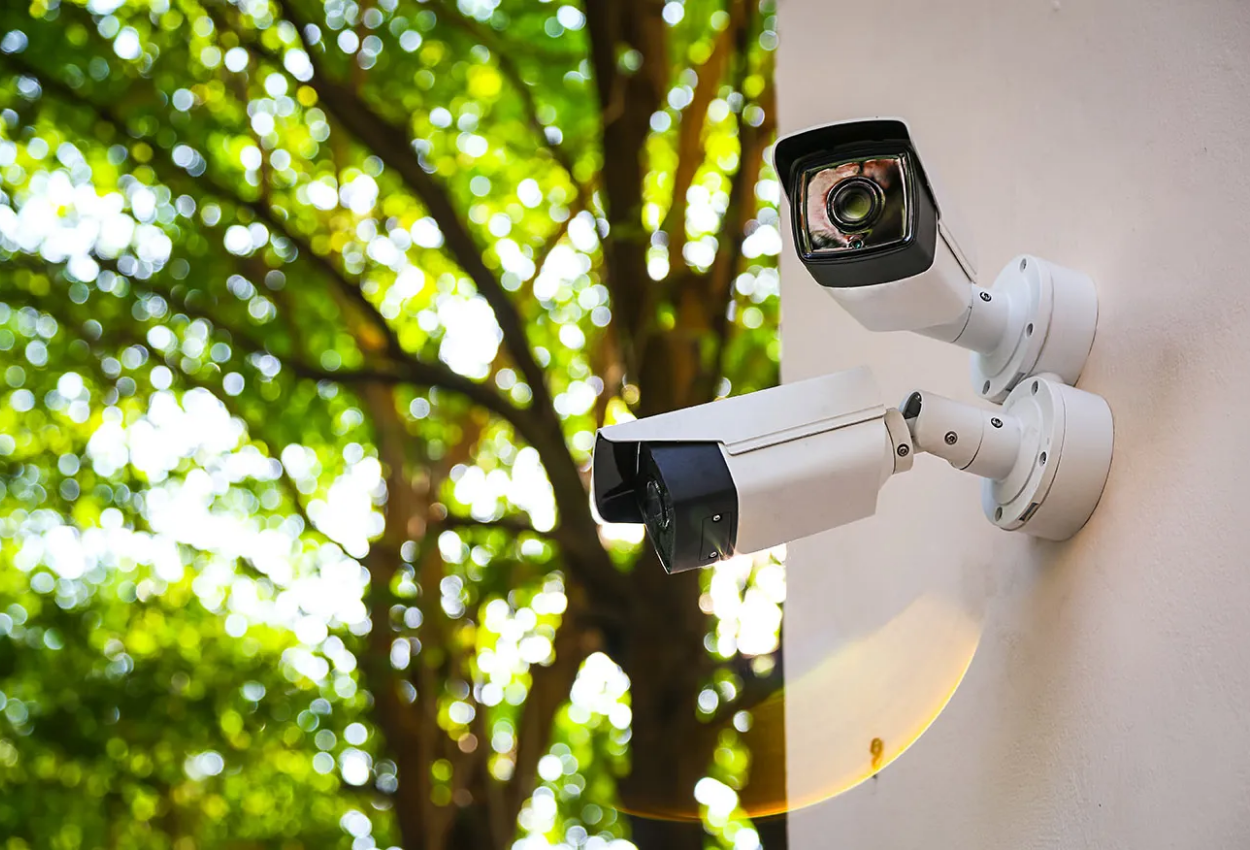
At Splatt CCTV Installation, we are committed to helping you get the most out of your security systems. Whether it’s installation guidance, troubleshooting, or ongoing maintenance, our expert team is here to provide fast and reliable support.
At Splatt CCTV Installation, we’re dedicated to keeping your security systems running smoothly with expert support you can rely on. Our team is here to assist with everything from connectivity issues and video playback errors to device malfunctions and setup guidance. Whether your network cameras, NVRs, or PTZ systems need troubleshooting, or you’re facing problems with thermal cameras or intercoms, our technicians provide fast, reliable help to restore performance and peace of mind.
We also offer maintenance services and remote assistance to ensure your system stays updated and secure at all times. From firmware updates and routine health checks to preventive maintenance plans, we help extend the life of your equipment. Our remote support lets you get expert help on any device — anytime, anywhere. For quick answers, explore our FAQs, or reach out directly via phone, email, or live chat. The Splatt support team is available Monday to Saturday, with emergency help 24/7, ensuring your property stays protected without interruption.
Get expert help with connectivity, updates, and troubleshooting — anytime, anywhere, for complete peace of mind.
Got a question about your CCTV or security system? Our FAQ section covers the most common queries to help you troubleshoot quickly and get the best out of your setup. If you can’t find your answer here, our support team is always ready to assist.
The Splatt Group is a leading provider of comprehensive security solutions, offering a wide range of high-quality products designed to meet diverse surveillance and safety needs.
The SPLATT Group offers professional security camera installation tailored to diverse environments, ensuring optimal safety for villas, apartments, offices, restaurants, and shops. For villas, we provide high-resolution surveillance with perimeter monitoring; for apartments, discreet yet effective cameras enhance resident security.
Splatt Group offers comprehensive solutions for pest control, property maintenance, TV antennas, and security camera installations.